

Managing API Keys
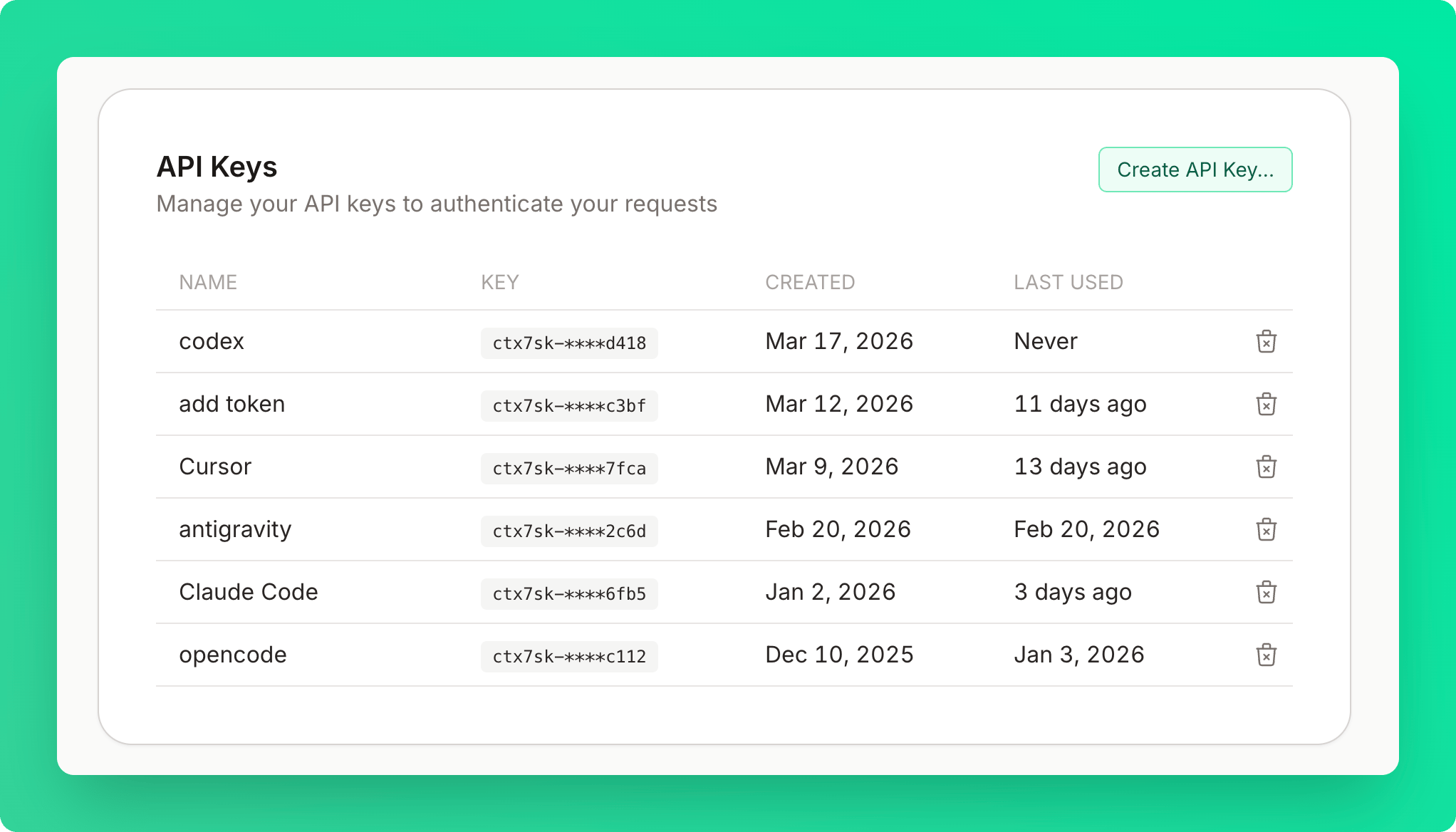
Creating API Keys
1
Open the create dialog
Click Create API Key in the API Keys card.
2
Name the key
Enter a name (optional but recommended). Descriptive names like “Cursor”, “Claude”, “VS Code”, or “Devin Desktop” help you identify the key later.
3
Copy the key immediately
Keys are shown only once for security. The format is
ctx7sk-**********************.4
Use the key
Use it in your requests or MCP configuration:
Revoking Keys
1
Delete the key
Click the delete button next to the key you no longer need.
2
Confirm deletion
Confirm in the modal. The key deactivates immediately — all requests using it will fail.
Revoking a key is permanent and cannot be undone. Update any applications using the key before
revoking.